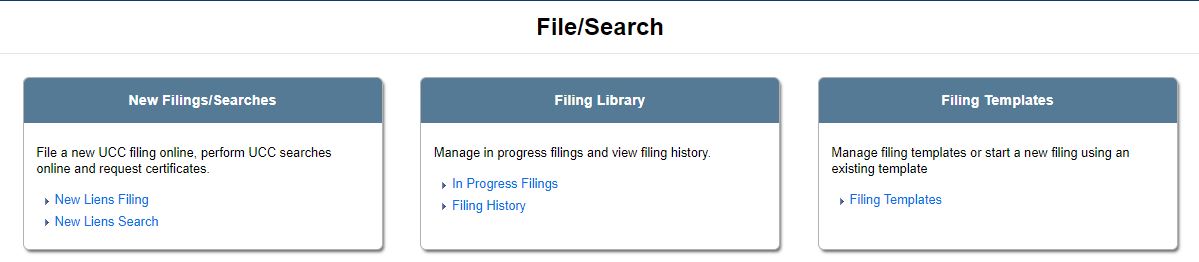
New liens filings can be initiated from the File/Search screen. The information recorded for liens is very important in establishing rights to specific collateral. This information is equally important when determining whether other parties have existing secured rights to collateral offered by the debtor. Lien filings can be searched to determine what the status of that collateral is and who, if any, the other secured parties are. Searches can be made for unlapsed filings as well as active filings (which display both unlapsed liens and those that have been lapsed for up to one (1) year) as well as for individuals or organizations. There are three (3) search options available to you, if configured by your jurisdiction:
Search free, where searches are free (not all jurisdictions implement this option).
Pay as you go, where a fee is applied for each search request.
Subscription purchase, which provides unlimited RA9 searches and the ability to export search results.
Notes:
There may be a limit to the number of times you are able to view images of filing documents during a specified time frame (on a rolling basis). Viewing the same image multiple times counts toward this limit. If a search report has been ordered or the search is otherwise not free, this limit does not apply.
If you do not have permission to perform lien searches, the New Liens Search links do not display.
After logging in to the application and selecting Liens Services, select the File/Search tab to display available links, including a QuickLinks pane. For example:
Related Information
Generating a Search Report
Viewing Search Results