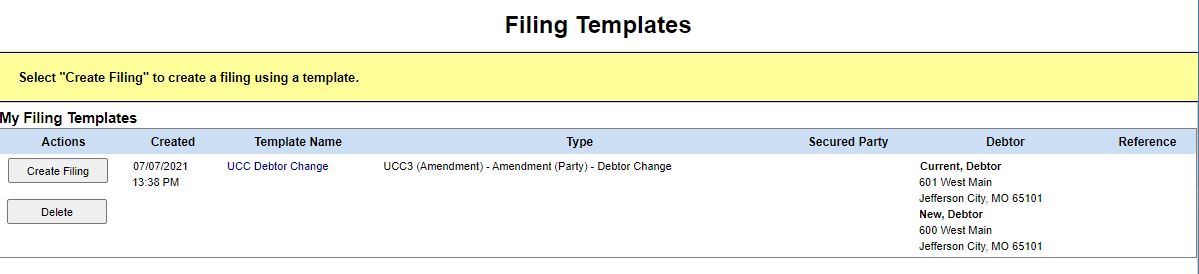
A lien template contains preset information which can be used as a starting point for new filings. The template is created at the end of the filing process during filing review. Selecting the Save as Template button allows you to name the template and save all information entered during that particular filing process. The template can now be used for processing new filings. The template is saved to the My Filing Templates table.
The table below lists each button and column heading contained in the My Filing Templates table.
Column Heading |
Description |
Actions |
Options to create a filing based on the template, or to delete the template. |
Created |
Displays the date on which the template was created. |
Template Name |
Provides the name of the template; select the template name to view it. |
Type |
Refers to the filing type. |
Secured Party |
Displays the secured party name and address (if specified). |
Debtor |
Displays the debtor name and address (if specified). |
Reference |
Contains information specified in the filer reference field during the filing process. |
Related Information