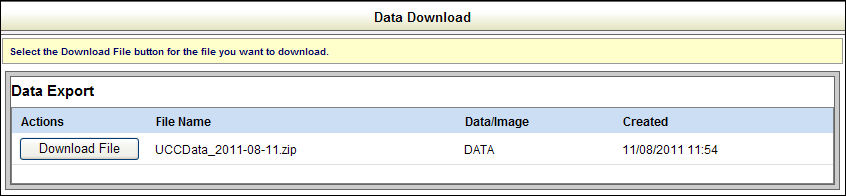
SystemWORKS provides data and image download subscriptions. In order to perform downloads, you must have an active subscription with subscription rights to data downloads, image downloads or data/image downloads. Links to these items do not display if you do not have an active subscription.
How to download data and images:
After accessing the application, the Home page displays. The Home page provides various links that enable you to manage your account and process lien filings and data and image downloads.
Select the download link in the New Filings/Searches pane. The link that displays reflects your subscription: Data Download, Image Download or Data/Image Download. You can also use the QuickLinks link in the navigation pane on the left side of the screen.
Select the Download File button to retrieve the file. A download modal displays so that you can open the file. If there are no files to download, the application displays a message to that effect.
Related Information