The filing chain provides a history of all related filings.
How to view/print the filing chain:
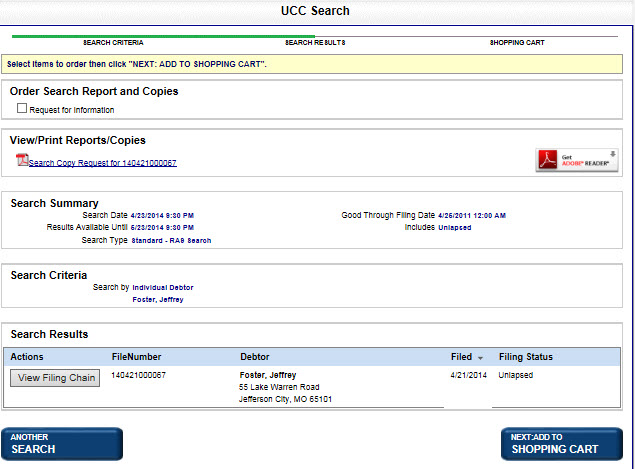
Perform a lien search per Performing a Lien Search. Search Results display.
Select View Filing Chain in the applicable row. The filing chain displays:
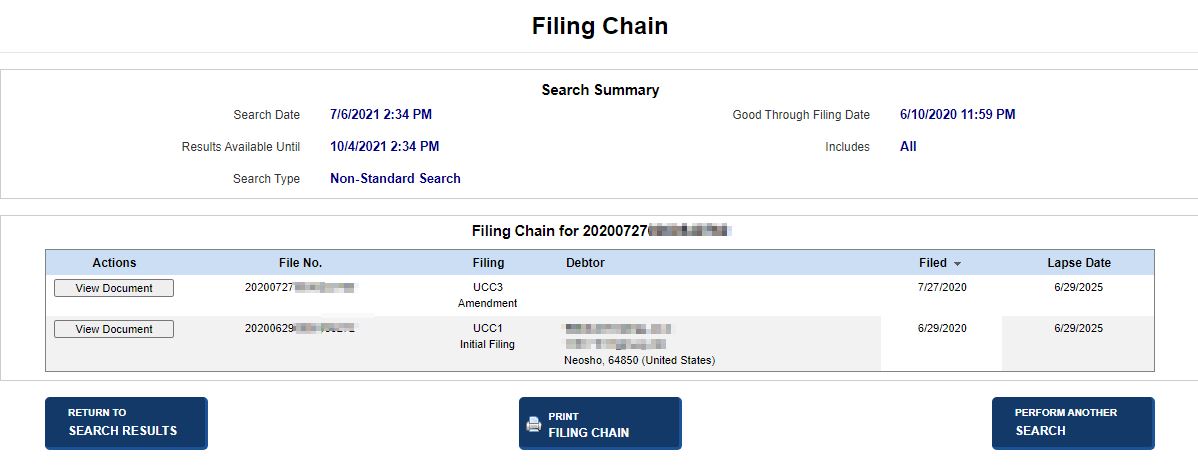
Select one of the following options:
View Document
Displays the filing document.
Return to Search Results
Returns to the Search Results table.
Print Filing Chain
Prints the filing chain in PDF format.
Perform Another Search
Displays the Lien Search screen so another search can be performed.
Related Information