To view the billing statement, you must have the Adobe® Reader® software installed on your computer. Select the Get Adobe Reader button or this link to download a free version from Adobe.
Note: Visible and required fields are configured by your jurisdiction and are based on filing type. The buttons/fields that display may not reflect the image below.
How to view billing statements:
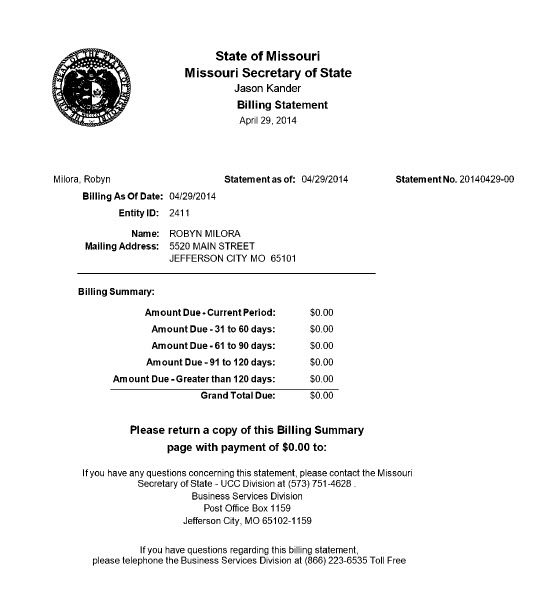
Select the Billing Statement button to display a PDF of the billing statement. Billing statements do not contain transactions processed on the current date. For example:
Related Information