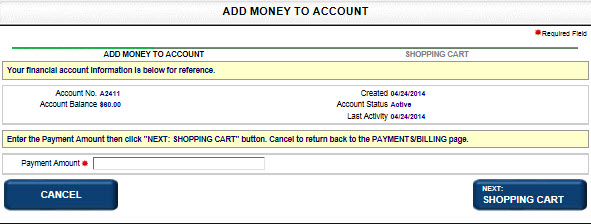
If you have a financial account, you can add money to your account.
How to add money to your financial account:
Navigate to the Payments/Billing screen.
Select the Add Money to Account button to open the Add Money to Account screen.
Enter Payment Amount in the adjacent field.
If configured, select the Confirmation check box.
Select Next: Shopping Cart to display the contents of the Shopping Cart.
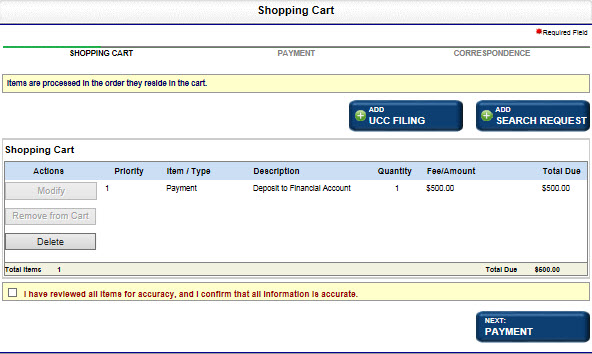
Select Next: Payment to open the Payment Information screen. Enter your payment per Managing Payments.
Related Information