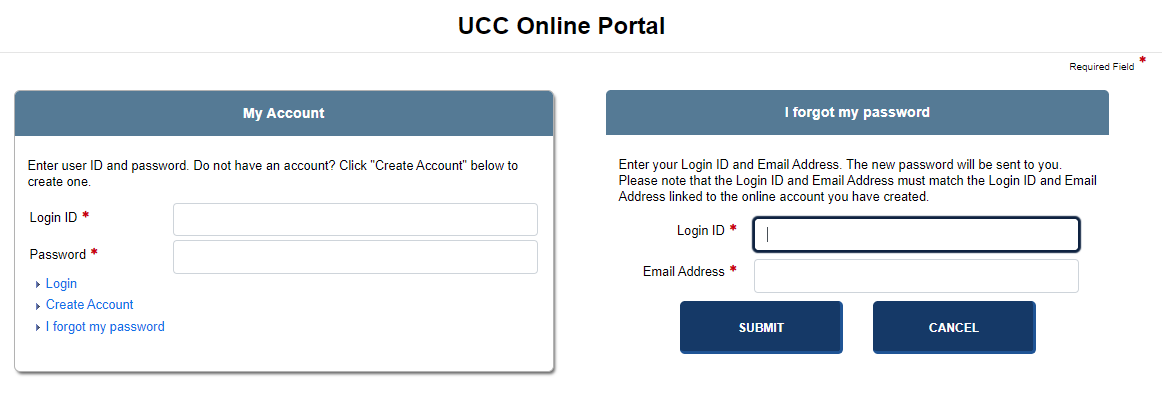
When the application first displays you have the option of logging in to the UCC Online Portal or the Corporation Online Portal. The images below depict these portals. Re-entering log in information is not required to toggle between the two portals.
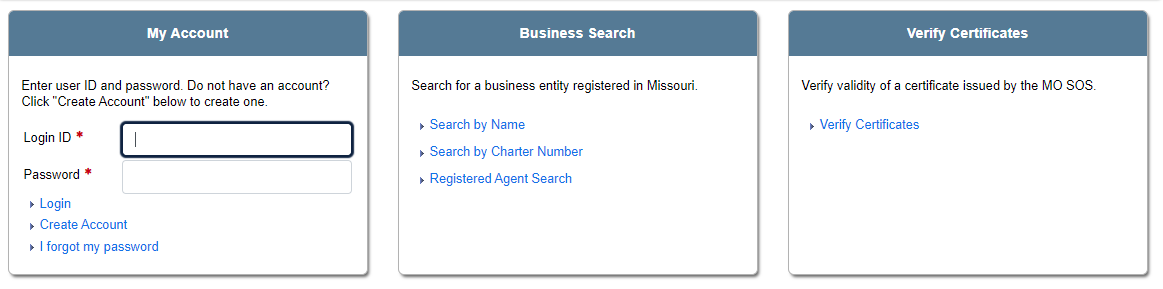
User credentials (User ID/Password) must be authenticated by the application before access is granted and online account use can begin. If you make repeated attempts to log in but are unable to do so because your password has been inactivated, contact the Secretary of State office for instructions on getting access to the application. If your password has expired, you will be required to change your password before you can log in again. Refer to Updating Your Password for instructions. If you are a B2B user, log in using instructions below.
How to log in:
Enter your log in information in the User ID and Password text fields. This is the information you entered when you created your online account (see Creating an Online Account). If you have not yet created an account, select the Create Account link directly below the log in text fields or in the QuickLinks pane.
If any log in information is incorrect or your account has been deactivated, the application generates an error message. Reenter your log in credentials or contact a member of the Secretary of State staff for further information.
Related Information