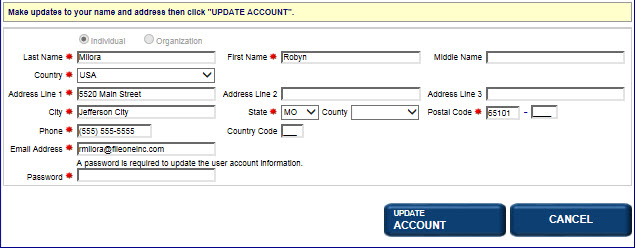
Once you have created an account online, this information is stored and can be accessed at any time to make changes. After changes are made, you will be required to enter your password for those changes to become effective. The password is a security protection that prevents anyone from fraudulently updating your account.
How to update your account:
Log in to the application; the Dashboard displays. .
Select the Update Account link. The Update Account screen displays.
Update the information, as applicable.
Enter your Password. In order for information to be updated, your password must be entered and will be verified by the application.
Select the Update Account button to save your changes.
Related Information