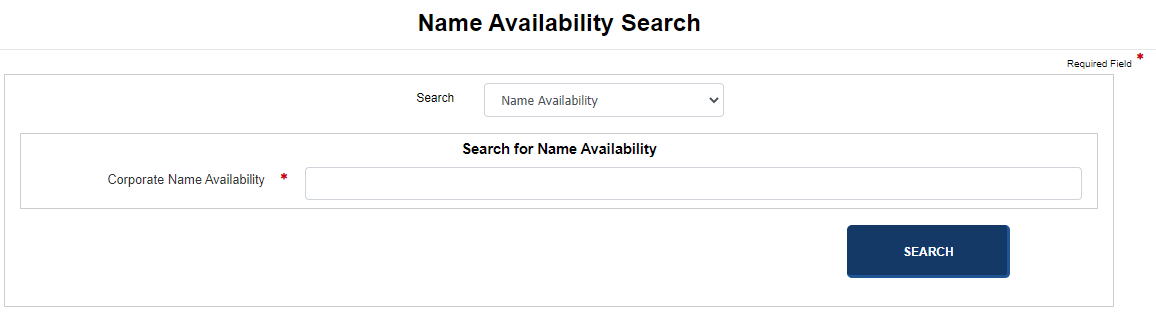
Your jurisdiction provides the ability to perform name availability searches. This is important when creating a corporation because you will know right away if the name is available to use. Business entities with a status of Pending New, Other or Rejected will not be displayed in search results.
Note: Links and fields that display in images below may not reflect your jurisdiction's implementation. Contact your jurisdiction's office if you have questions on the procedure outlined here.
How to perform a name availability search:
Navigate to the Corporation Division dashboard.
In the Name Filings pane, select the Search for Name Availability link. The Name Availability Search screen displays.
The Search drop-down list displays the Name Availability search option. You can select a different option if needed.
Enter the desired name in the Corporate Name Availability text field.
Select the Search button to display search results.
Related Information