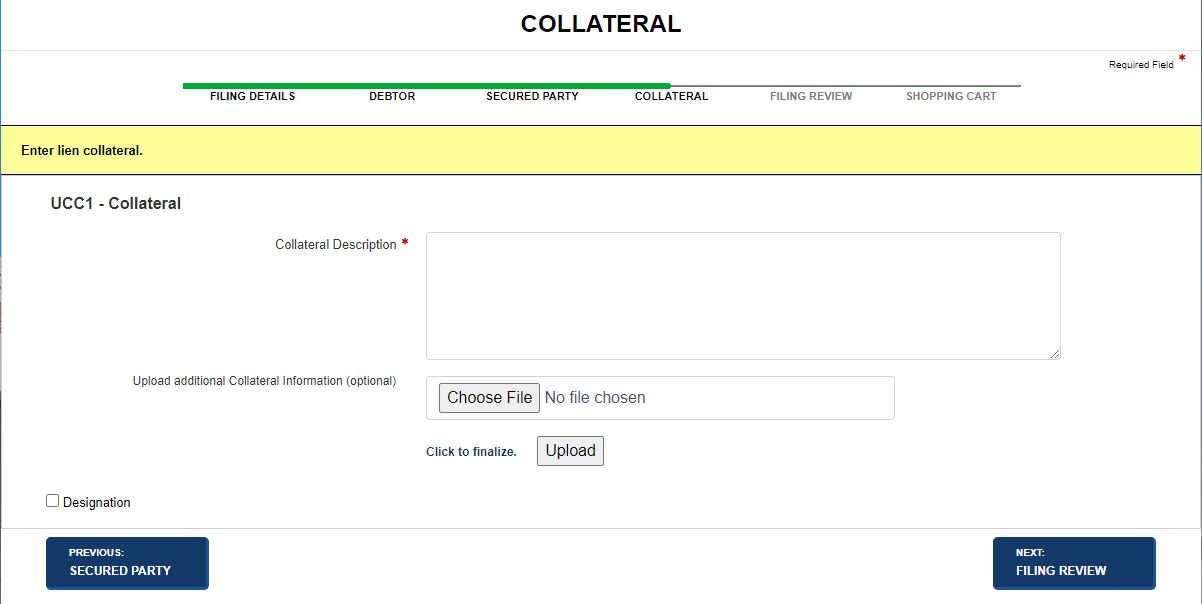
The Collateral screen is where you enter details about the lien's security interest. In addition to an initial filing detailing collateral, an amendment may be filed to add collateral, modify, assign, restate, or delete existing collateral. Visible and required fields are configured by your jurisdiction and are based on filing type. The buttons/fields that display may not reflect the images below. For example, Previous and Next buttons may refer to different screens than what are shown.
How to add collateral:
Navigate to the Collateral screen if configured for the specified filing type. In this example, a UCC1 filing adds the collateral supporting the lien.
Enter a Collateral Description. Maximum number of characters is 8000.
Select the applicable radio button to indicate collateral is held in a Trust or being administered by a Decedent's Personal Representative.
Select one of the following options:
Previous: Secured Party
Discards entered information and returns to the Secured Party screen.
Next: Filing Review
Saves entered information and displays the Filing Review screen.
How to amend collateral (restate, add, delete, assign):
Navigate to the Collateral screen. In this example, a UCC3 filing restates the collateral supporting the lien.
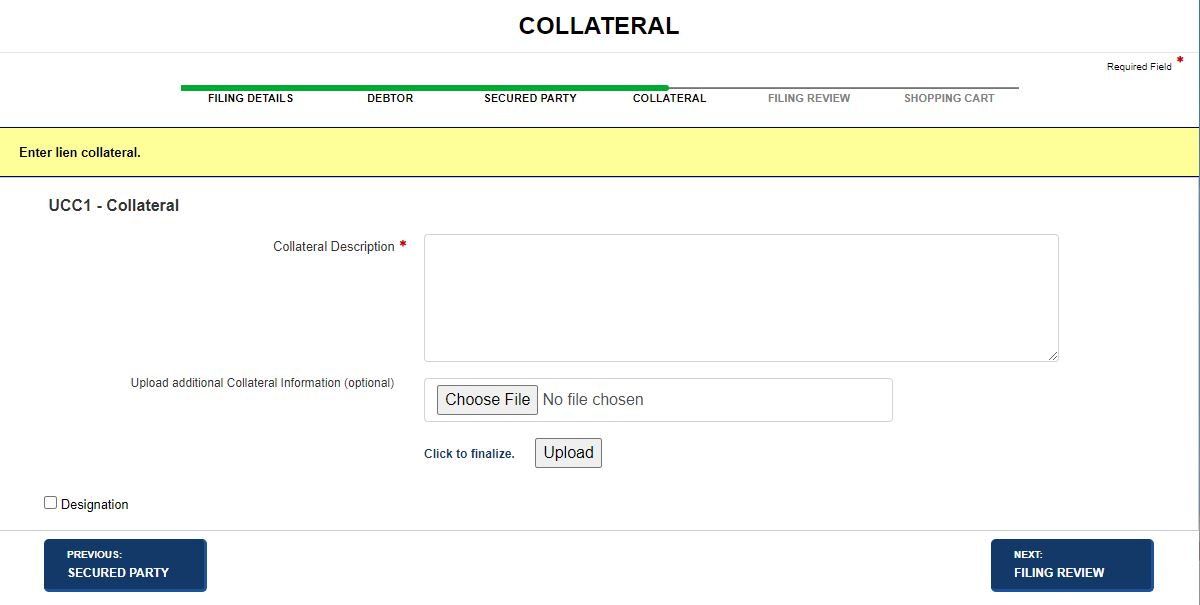
Enter a Collateral Description; maximum number of characters is 8000.
Select one of the following options:
Previous: Filing Details
Discards entered information and returns to the Filing Details screen.
Next: Filing Review
Saves entered information and displays the Filing Review screen.
Related Information