After processing your subscription you can view the associated correspondence. Refer to Viewing FSA Subscription History, if needed.
How to view subscription correspondence:
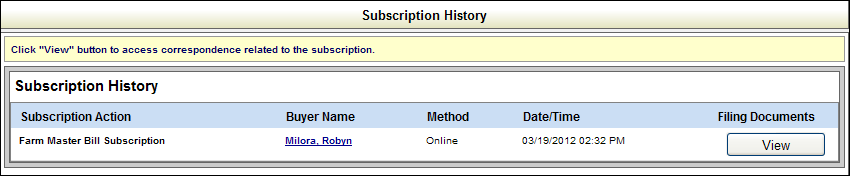
Select the View History button to open the Subscription History table. The table displays information about your subscription(s) including a link to the buyer's details, the arrival method (paper, online), date and time of the purchase, and a link to the associated filing document(s).
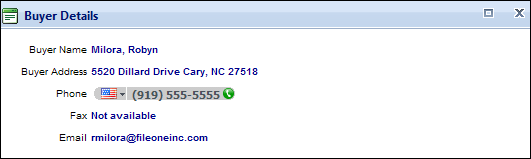
Select the hyperlinked
name in the
Select the View button in the applicable row to open the Subscription Details screen. To view correspondence, you must have the Adobe® Reader® software installed on your computer. Select the Get Adobe Reader button or the link below to download a free version from Adobe.
Select one of the following options:
Choose a link to view correspondence
The correspondence displays in a separate window in PDF format.
Return to Subscription History
Returns to the Subscription History table.
Related Information